
Screenshots

App details
- Updated
- Jul 23, 2024
- Language
- English
- Developer
- ROBLOX Corporation
- Category
- Mobile
SoftPas in:
This product is also available in the following languages:
About Roblox Studio
Download Roblox Studio – game creation, Roblox, 3D modeling, game development, content creation
Overview
Roblox Studio is a robust mobile application developed by Roblox, designed to empower users with the tools necessary for game creation, 3D modeling, and content development within the Roblox ecosystem. As a productivity-focused utility, the app serves as a gateway for aspiring developers and creative individuals to design, test, and publish interactive experiences for the Roblox platform. It addresses the growing demand for accessible game development tools by offering a streamlined environment that supports both beginners and experienced creators.
The app is particularly valuable for users interested in building immersive virtual worlds, designing game mechanics, or exploring digital content creation. Whether used for educational purposes, personal projects, or potential monetization, Roblox Studio enables users to transform imaginative concepts into functional digital experiences. Its integration with the larger Roblox community ensures that content created with the app can be shared and enjoyed across a wide audience.
As a tool developed by Roblox, the app benefits from the company’s established infrastructure and commitment to developer empowerment. The developer did not provide additional technical details about the app’s internal architecture or specific development workflows. However, its presence on the Android platform indicates a strategic effort to expand creative access beyond desktop environments.
Key Features & Functionality
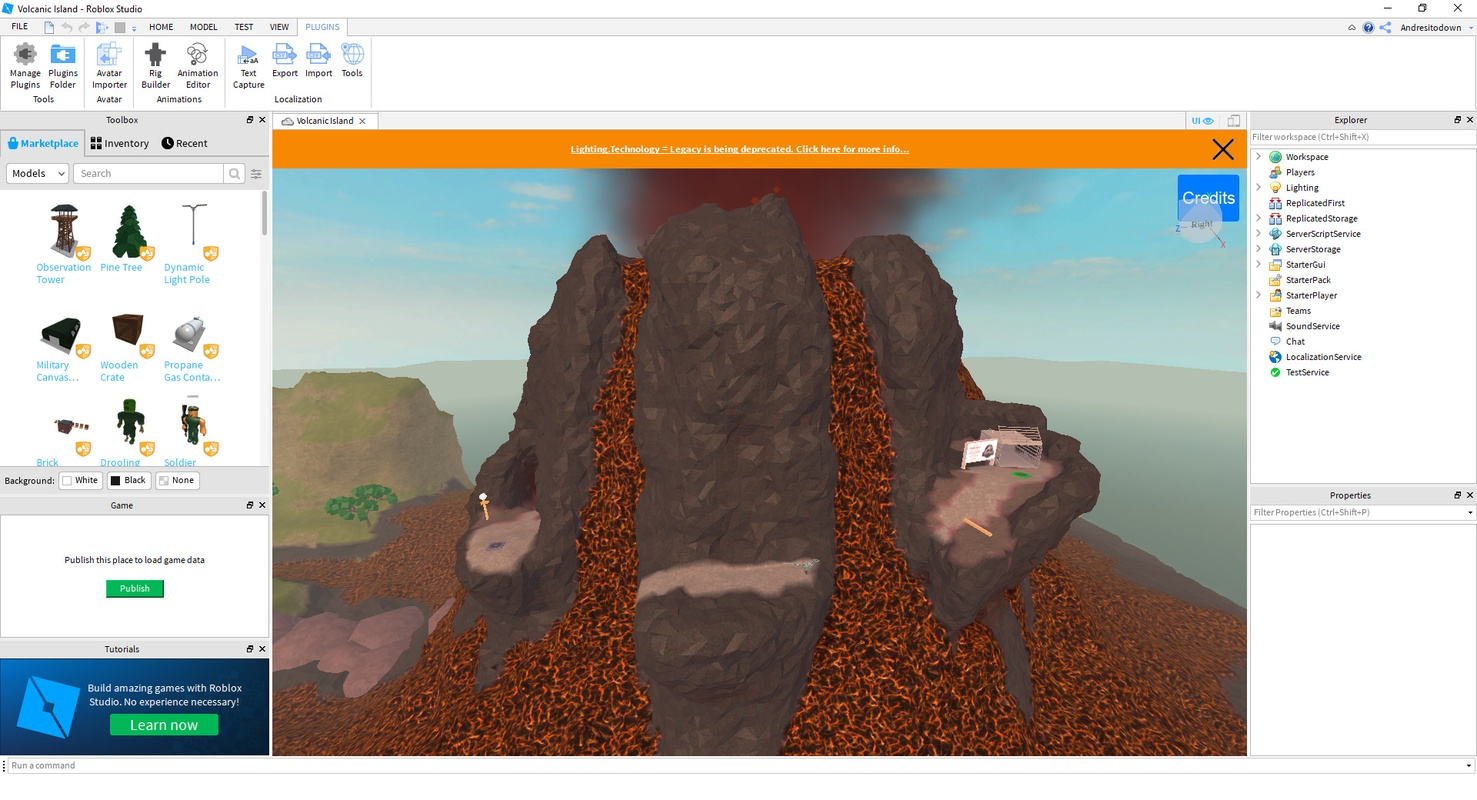
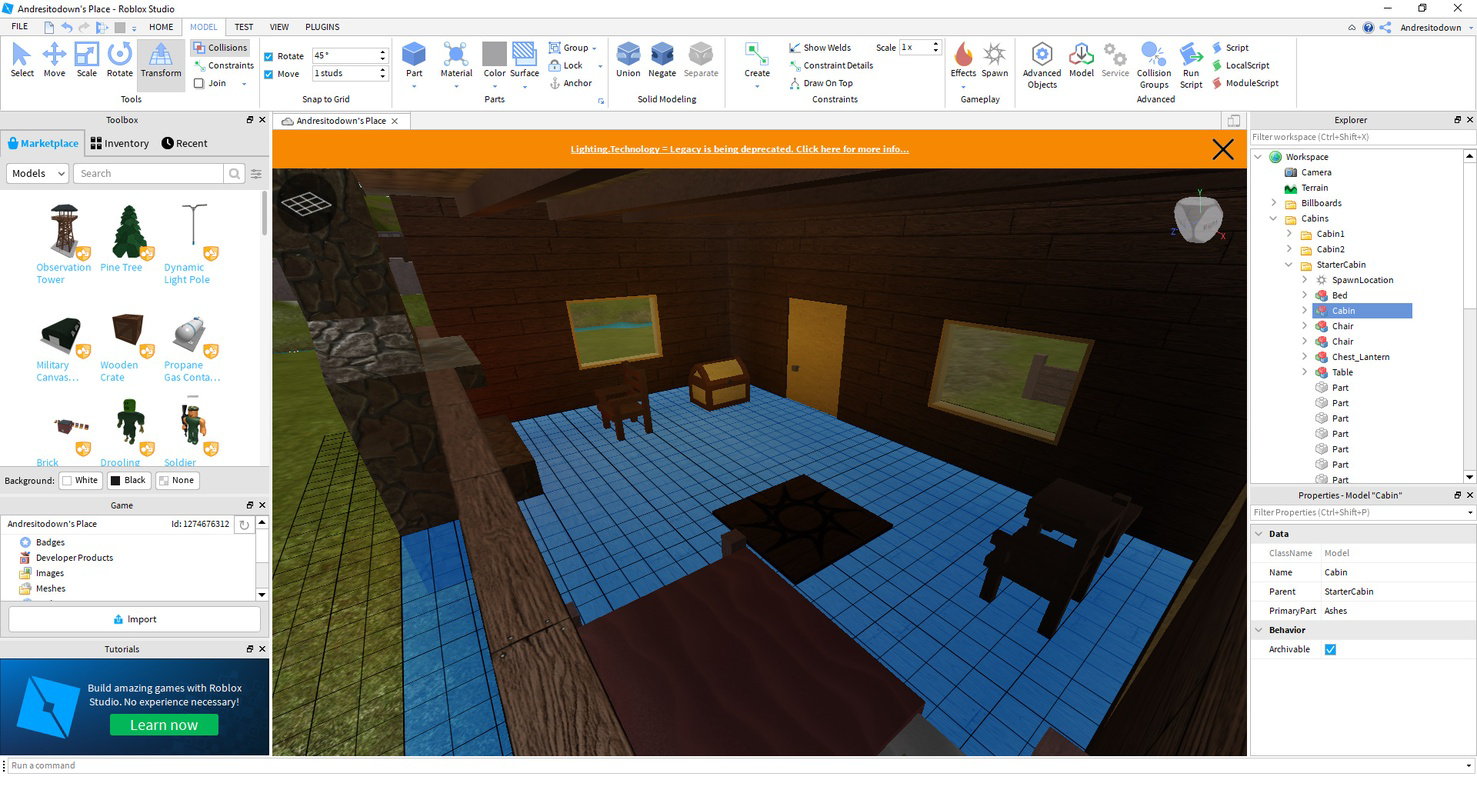
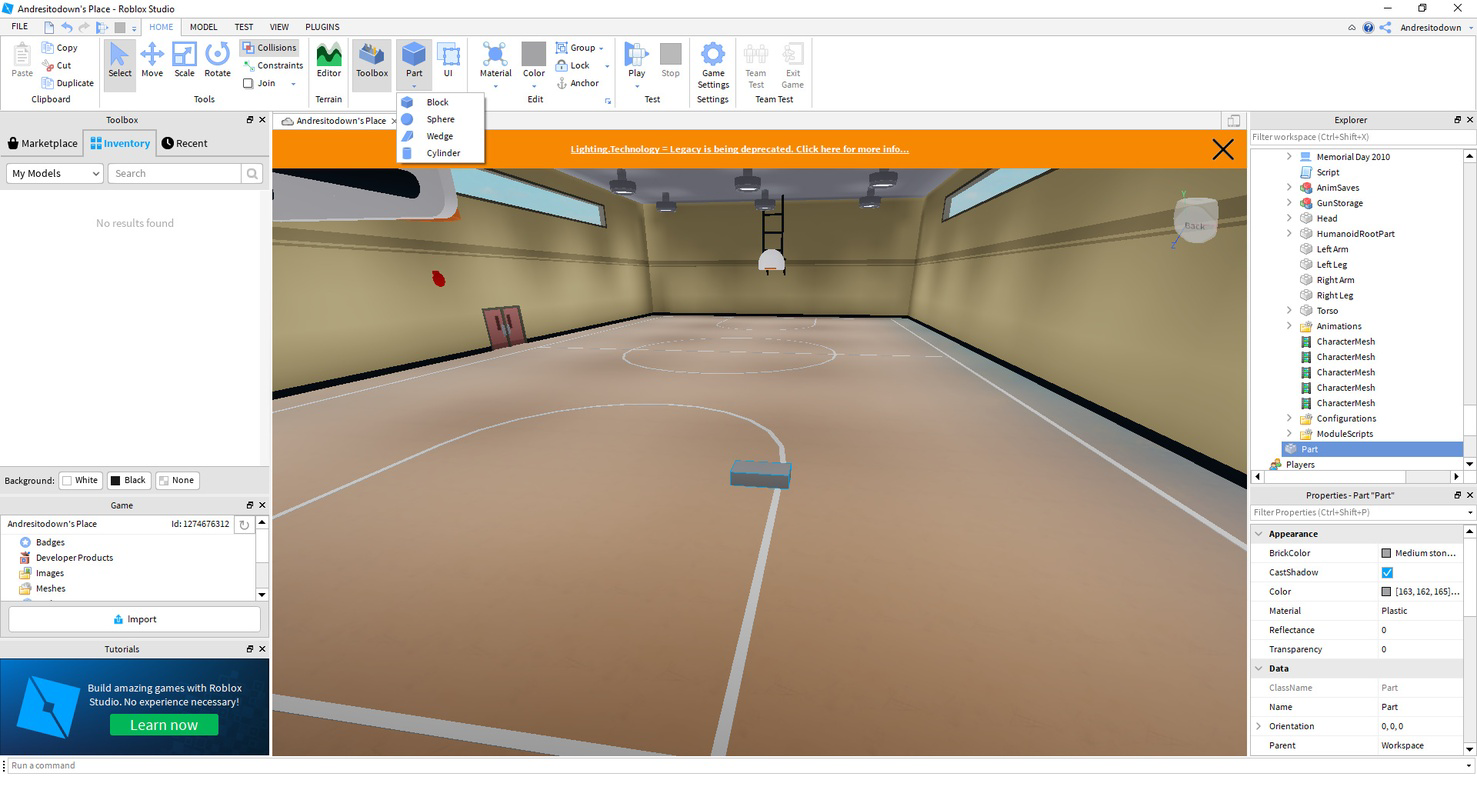
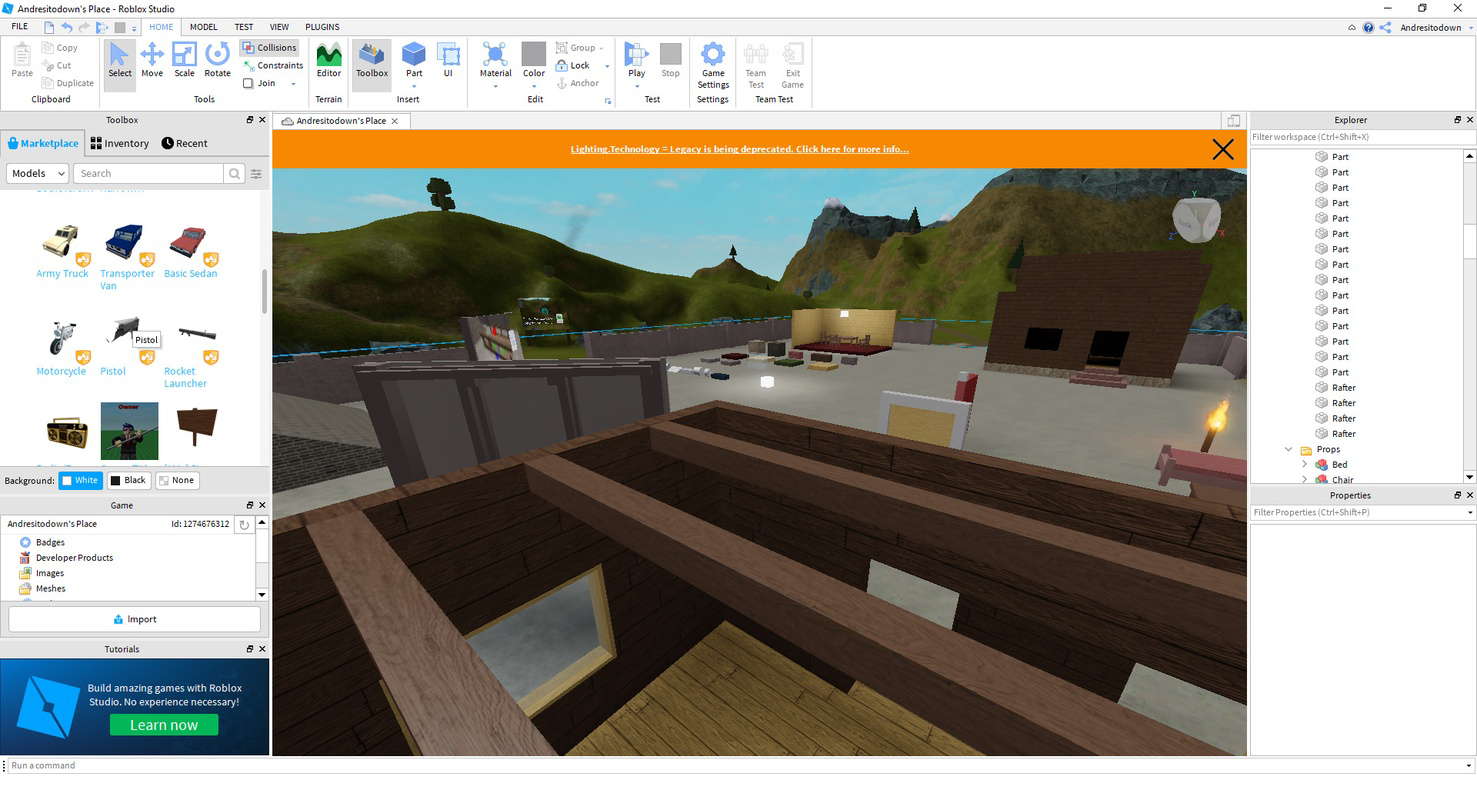
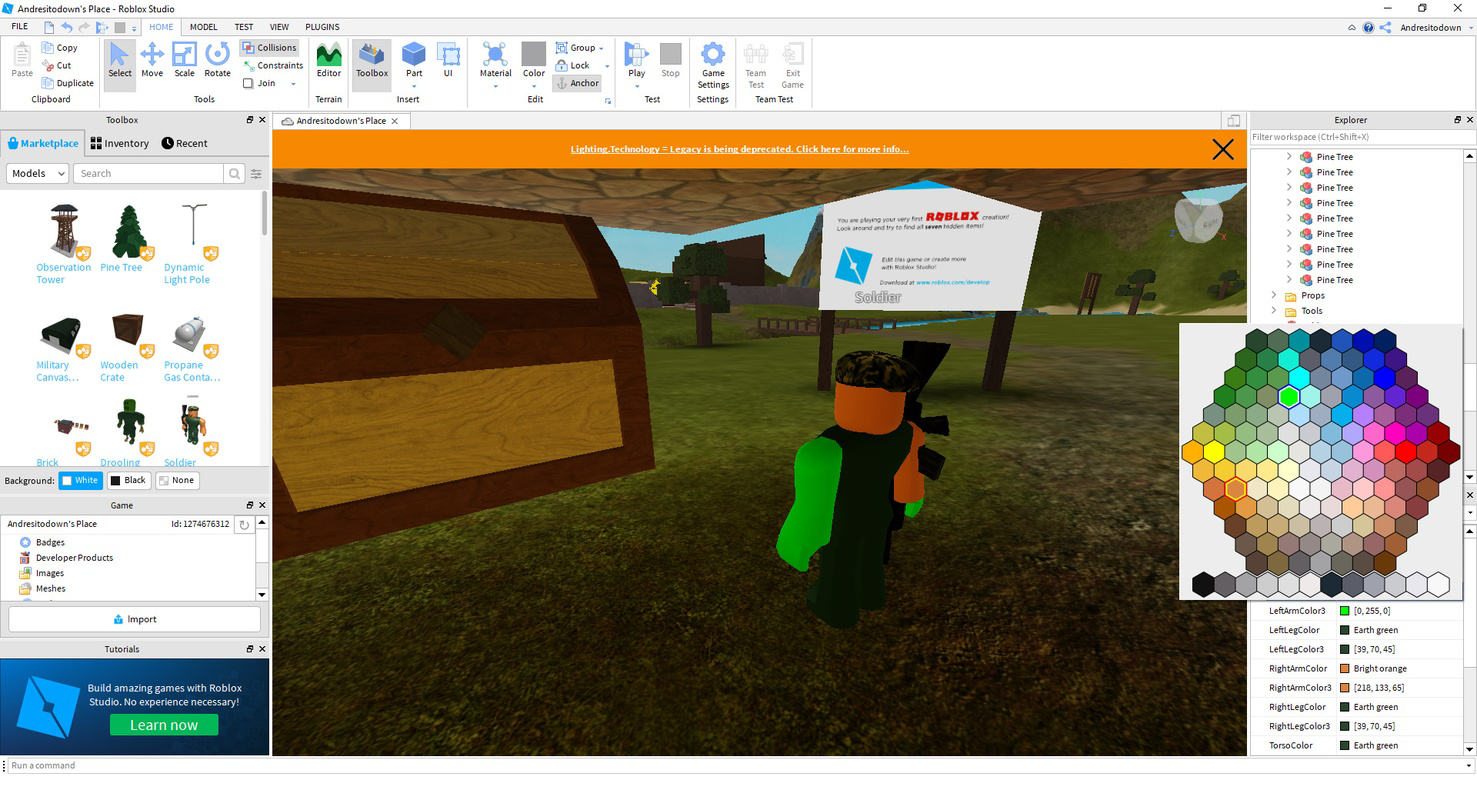
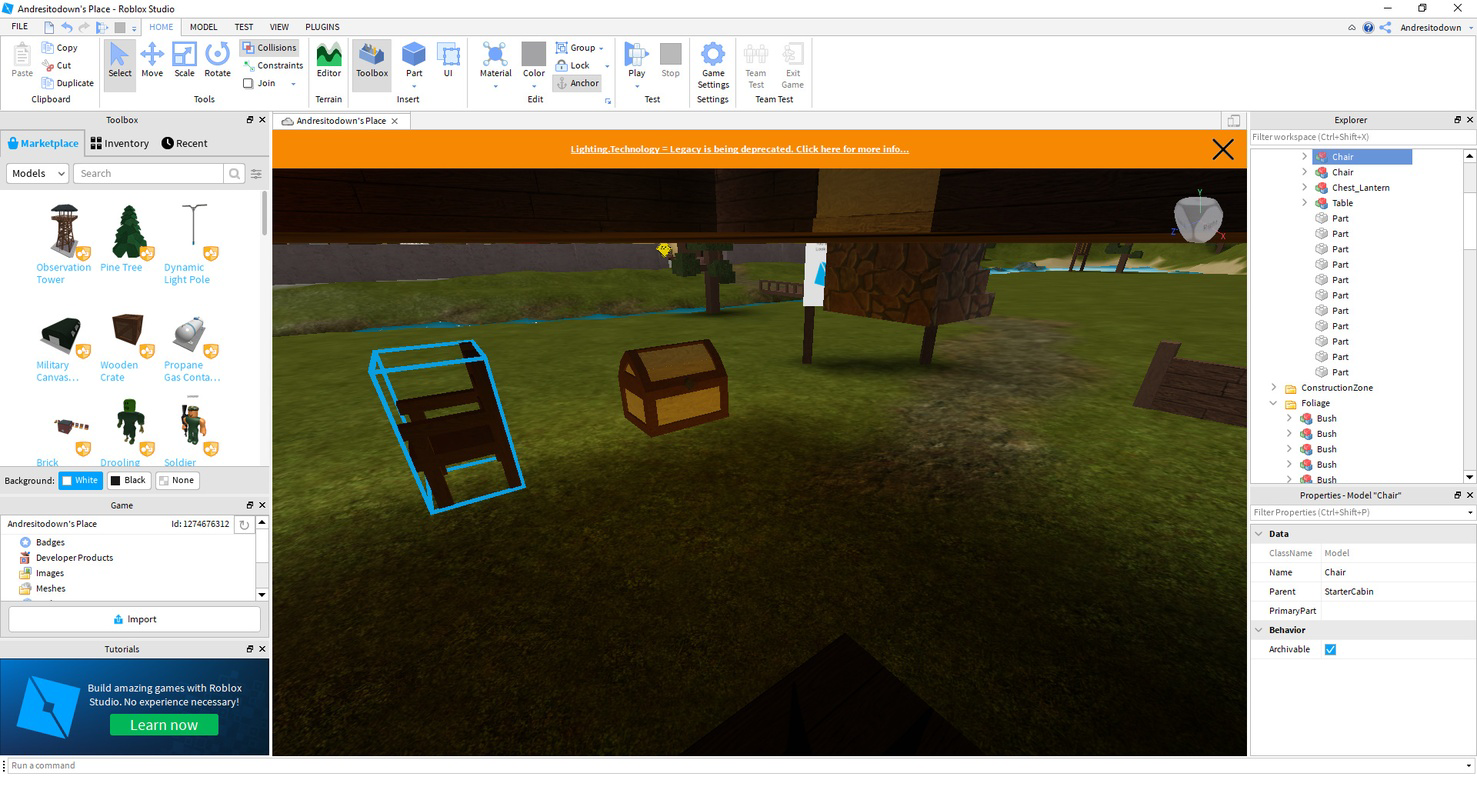
- User-Friendly Interface: Roblox Studio features a clean layout with a central preview window, a left-side toolbox, and a right-side element explorer. This intuitive structure allows users to efficiently select, position, and modify game elements without requiring prior experience in software development.
- Endless Customization: Users can create custom 3D models, scripts, and interactive environments from scratch. This level of flexibility supports the development of unique gameplay mechanics, visual designs, and narrative-driven experiences tailored to specific audiences.
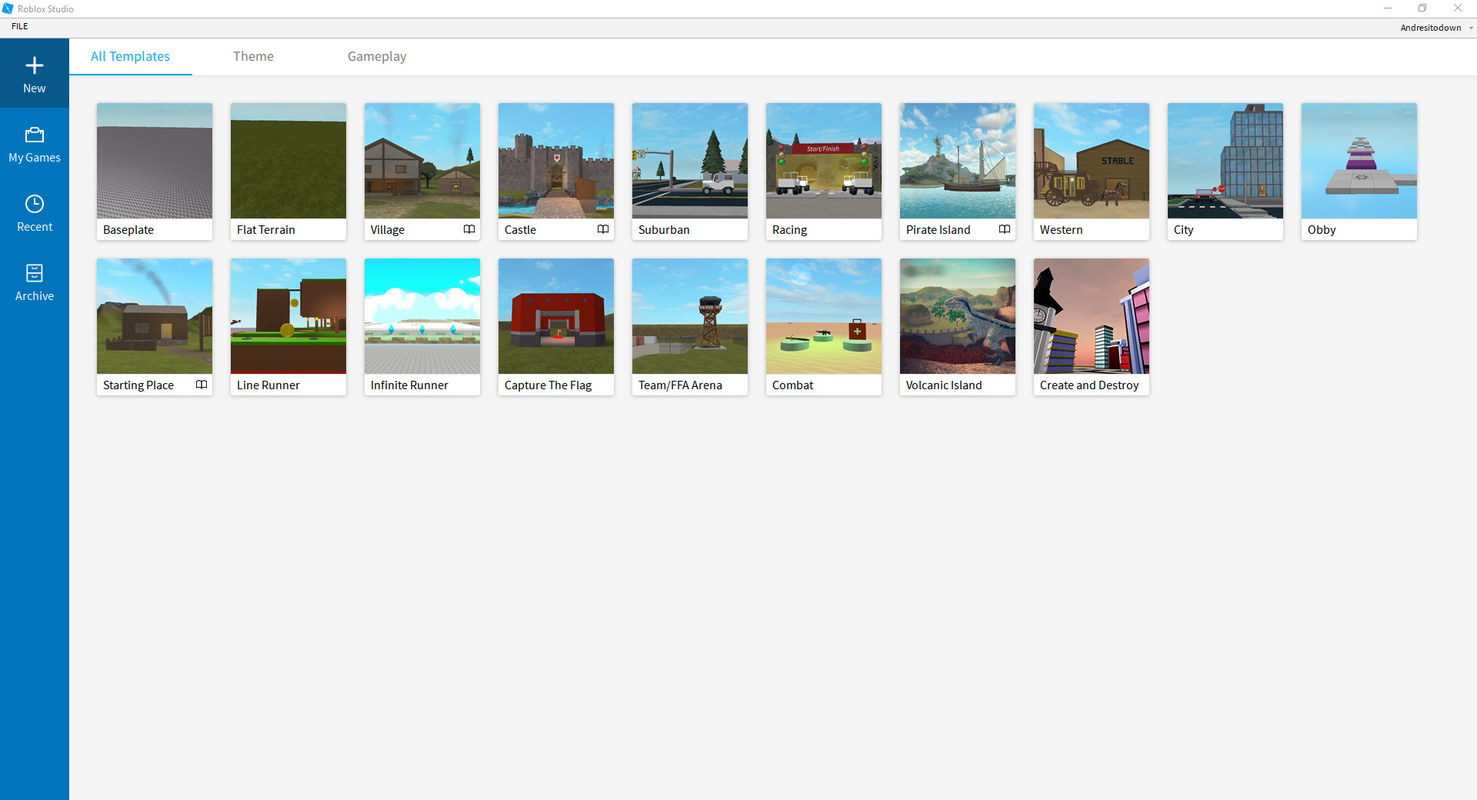
- Helpful Templates: Pre-built templates serve as starting points for various game genres, settings, and structures. These templates reduce development time and help new creators understand foundational design principles while accelerating the prototyping process.
- Monetization Opportunities: Creators can publish their projects on the Roblox platform and earn revenue through user engagement, in-app purchases, or direct sales. This feature incentivizes high-quality content creation and supports a sustainable creative economy.
- Cross-Platform Sharing: Projects developed in Roblox Studio can be deployed across multiple devices, including smartphones, tablets, and computers. This ensures broad accessibility and maximizes the reach of user-generated content.
For example, a student learning game design could use the template system to build a simple obstacle course, then customize it with unique visuals and scripts. Similarly, a hobbyist developer might use the 3D modeling tools to design a fantasy city and share it with a global audience through the Roblox platform.
Interface, UX & Performance
Roblox Studio’s interface is designed with clarity and functionality in mind. The central preview window provides a real-time view of the project, while the toolbox and element explorer offer quick access to essential tools and components. Navigation is consistent across screens, supporting a smooth workflow for users at all skill levels.
The visual style is minimalistic yet highly functional, prioritizing usability over decorative elements. This approach ensures that users can focus on content creation without distraction. The app’s responsiveness is evident in how quickly elements are rendered and how smoothly the interface adapts to user inputs.
Although the developer did not list formal performance metrics, the app operates efficiently within the constraints of mobile hardware. Stability appears to be maintained across different device categories, though specific requirements were not disclosed. Users may experience variations in performance depending on device capabilities, but the app remains accessible for most Android devices.
Platform Compatibility & Technical Requirements
Roblox Studio is available on the Android platform and requires a compatible device to operate. The current version is 2.228.0.1011, with a file size of 126.9 MB. This indicates a relatively lightweight installation, making it accessible even on devices with moderate storage capacity.
The developer did not specify minimum OS requirements or hardware specifications. As such, users should ensure their Android device meets general compatibility standards for running modern mobile applications. The app’s availability on Android suggests a focus on mobile-first content creation, allowing users to develop and manage projects on the go.
Pros and Cons
Pros
- Intuitive interface designed for ease of use across skill levels
- Supports full game creation and 3D modeling directly on mobile
- Offers templates to accelerate the development process
- Enables monetization through the Roblox platform
- Facilitates cross-platform sharing and accessibility
Cons
- Specific system requirements were not listed by the developer
- Mobile version may have limitations compared to desktop counterparts
- Performance may vary depending on device capabilities
- Advanced features may require prior knowledge of scripting and design
- Limited information on update frequency or future roadmap
FAQ
Is Roblox Studio free to download and use?
Yes, Roblox Studio is available at no cost. Users can download and use the app to create and publish content without any upfront payment.
Can I use Roblox Studio on iOS devices?
The current information indicates that Roblox Studio is available on Android. The developer did not specify availability on iOS or other platforms.
What kind of content can I create with Roblox Studio?
Users can create games, 3D environments, interactive experiences, and custom assets for the Roblox platform. The app supports a wide range of creative projects, from simple games to complex virtual worlds.
How do I publish my creations using Roblox Studio?
Once a project is complete, users can share it directly through the Roblox platform. The app integrates with Roblox’s publishing system, allowing content to be made available to other users.
Is Roblox Studio secure to download and install?
Yes, Roblox Studio is developed by Roblox and distributed through official channels. It is considered a secure tool when downloaded from trusted sources.
Final Thoughts
Roblox Studio stands out as a powerful mobile solution for game creation, 3D modeling, and content development within the Roblox universe. Its user-friendly interface, combined with robust functionality and monetization potential, makes it an ideal tool for students, hobbyists, and emerging developers. While the mobile version may not offer the full depth of the desktop experience, it delivers a compelling entry point for creative exploration on the go.
For anyone interested in learning game development or building interactive experiences, Roblox Studio provides a valuable platform to experiment, innovate, and share. Its integration with the Roblox ecosystem ensures that creations can reach a global audience, turning imagination into tangible digital experiences.
Download Roblox Studio now
Guides & Tutorials
How to install Roblox Studio
- Click the Download button above.
- Once redirected, accept the terms and click Install.
- Wait for the Roblox Studio download to finish on your device.
How to use Roblox Studio
This software is primarily used for its core features described above. Open the app after installation to explore its capabilities.
User Reviews
No reviews yet. Be the first to share your experience.
You may also like
more
Que no te pillen¡
About !Que no te pillen¡Reviewed by Jason A. BilbreyShow MoreShow Less

3D Combat Zone
About 3D Combat ZoneOriginally released in 1983, 3D Combat Zone immerses players...

666: El día del portal
About 666: El día del portalOn June 6, 2006, Agent P. Stone uncovers a sinister...

80 in 1 Best Flash games
About 80 in 1 Best Flash games 80 in 1 Best Flash games is a collection of 80 fl...

ABYSS SEEKERーーWhat Do You See Deep in The Abyss
About ABYSS SEEKERーーWhat Do You See Deep in The AbyssIn ABYSS SEEKER, players...

ACA NEOGEO THE KING OF FIGHTERS 2002 for Windows
About ACA NEOGEO THE KING OF FIGHTERS 2002 for WindowsTHE KING OF FIGHTERS 2002,...